CONTACTS: +254 726879488 (Mobile)
+254770 455 116 (Office)


So you’ve downloaded the TikTok app and have watched hundreds of awesome videos showcasing popular afro music, travel ideas and funny cat moments on your “For You” feed. Now you’re thinking, how can I create videos too? Don’t feel intimidated. The app is actually super easy to use and allows anyone, as well as inspires everyone, to be a content creator.
With a variety of easy-to-use features, the app allows you to create your own mobile short-form videos that have the power to entertain the world. Go ahead and showcase your skills in music and acting, or post a few cool videos about your next weekend adventure. It’s creative, it’s fun, easy to use and jam-packed with entertaining local content.
Ready? Here are a few simple steps to create and curate your own TikTok channel.
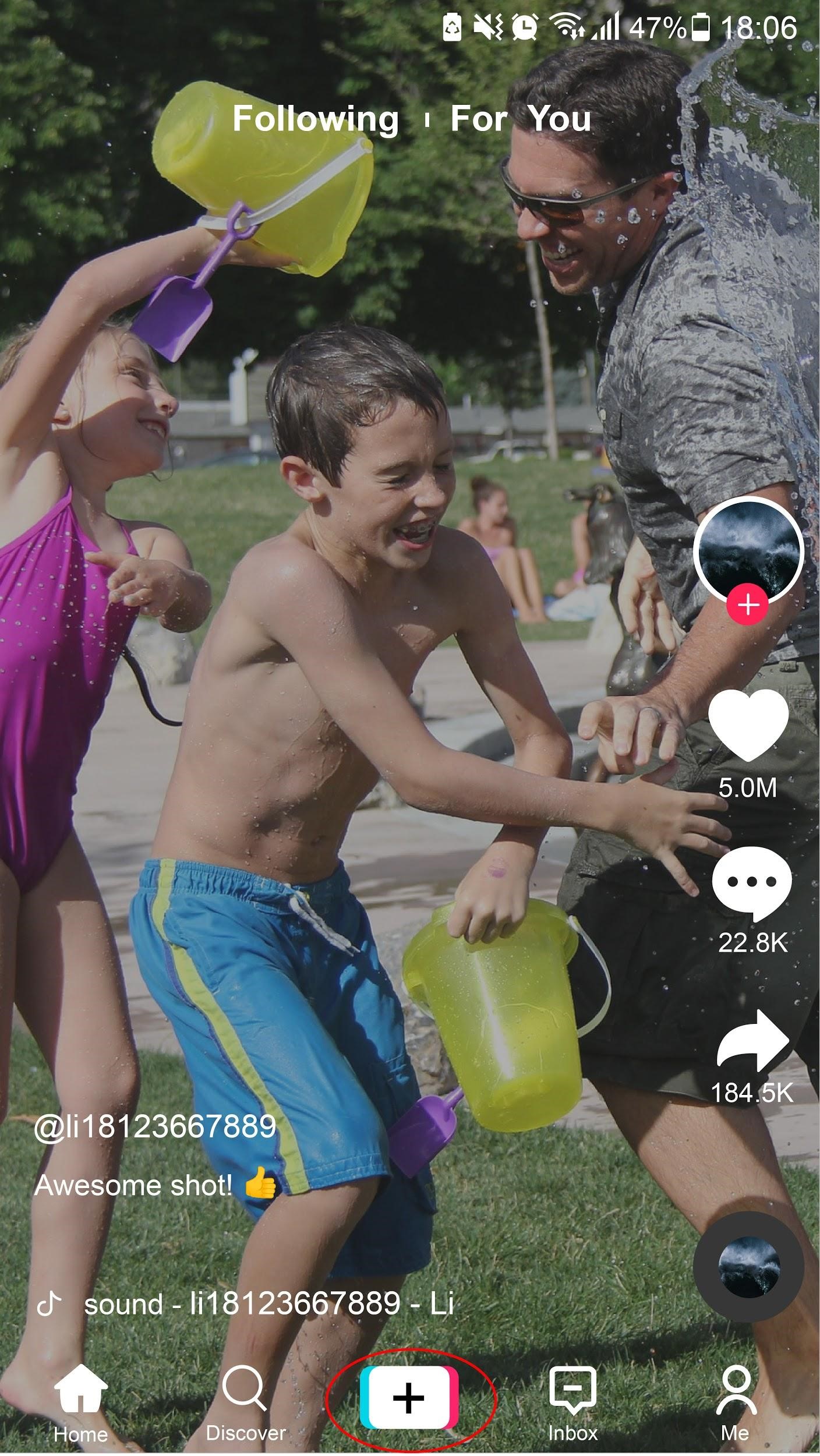
Then, either hold the red button to shoot a video or choose a video from your phone’s gallery to upload.
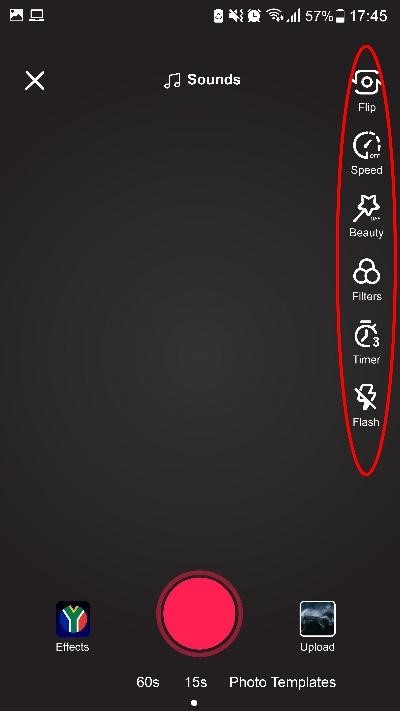
There are quite a few controls included in the TikTok video app, but don’t let that intimidate you. It’s really easy to get the hang of it once you know what the app can do:
Don’t forget to use the ‘Effects’ button while filming which gives you even more creative power and control over the visual effects in your video.
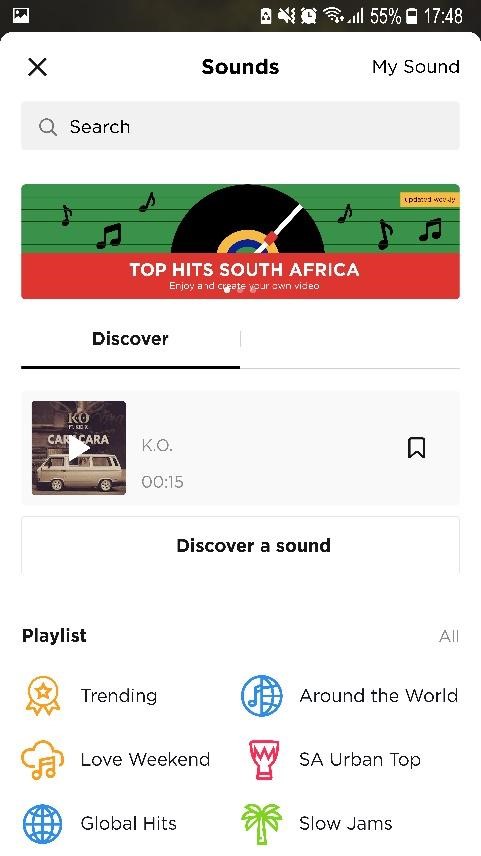
Want to add a sound to your video clip? Two ways:
Option 1: Tap the “Add a Sound” button at the top, which introduces you to the extensive TikTok library where you will find a ton of songs, playlists and sounds.
Option 2: If you want to use the same sound with a video on “For You” page, you can tap the ‘Music Circle Icon’ button at the bottom right corner, then tap the ‘Shoot’ button so that you can use the same sound with this user.
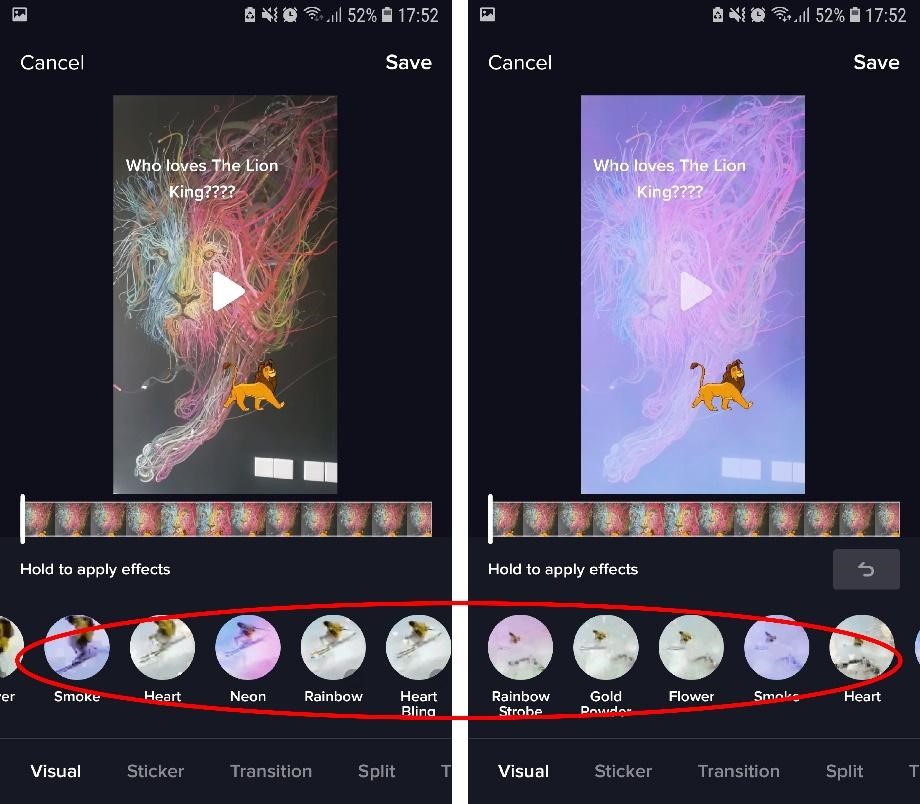
You may not get a perfect video on your first try, but that’s okay as you can go back and record again. You can cut sound, change the volume, pick a new sound or even change a filter on this page.
More about effects: Select filter effects or time effects and add them to any frame of your video. Some of the most popular 2019 effects have been the ‘Delayed’ sticker, the ‘Copy lips’ sticker and ‘Ugly Face’ sticker.
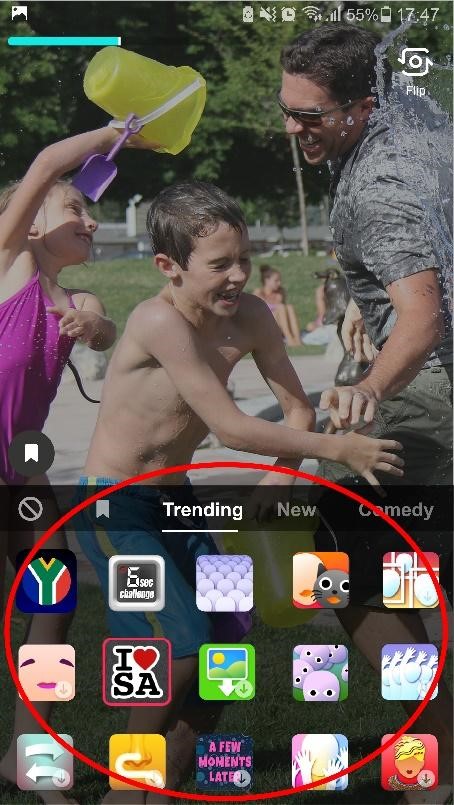
Once you’re done editing, tap the ‘Next’ button to go through to the final stage of the process. Here you name your video, give it a description and add in hashtags. Keep an eye out for trending hashtag challenges – this is a great way to be part of viral content on the platform.
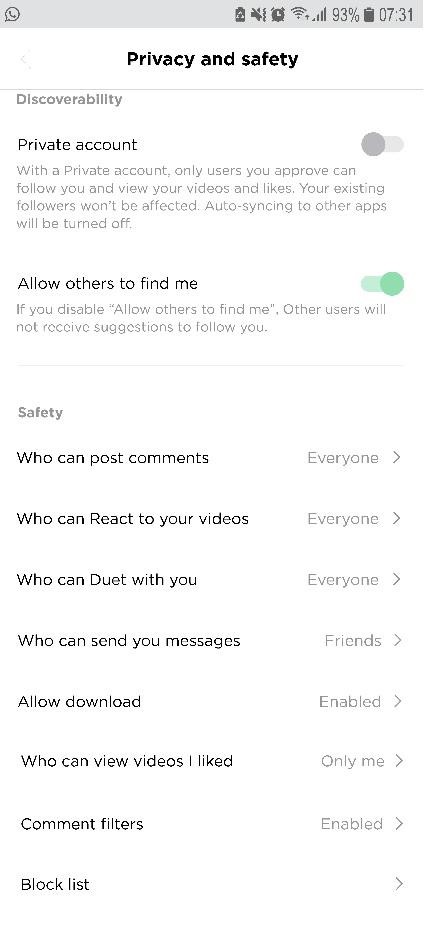
Safety first: Before you upload the video, make sure that you set your privacy settings according to your preferences. There are various options that allow you to restrict who can see and engage with your content. These features will help you stay safe on the platform.
Finally: You get to choose between a ‘Draft’ – put your video on hold for a bit until you’re ready – or a ‘Post’. Hit the last one if you want to post your video online and let the world (or just your local community) enjoy the experience with you!
You cannot copy content of this page